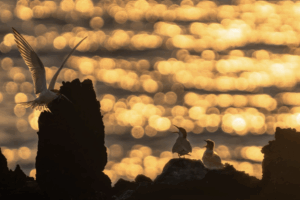
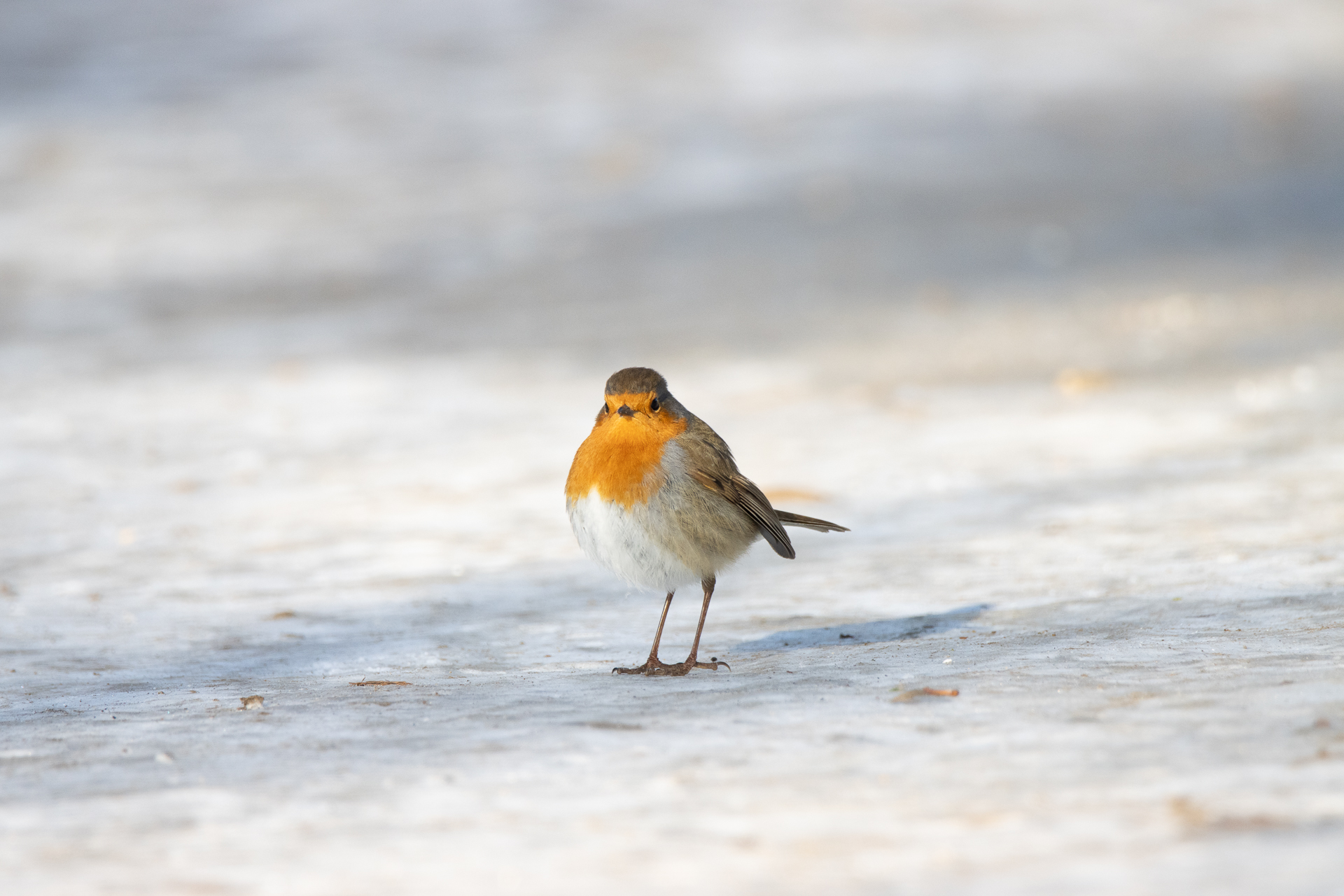
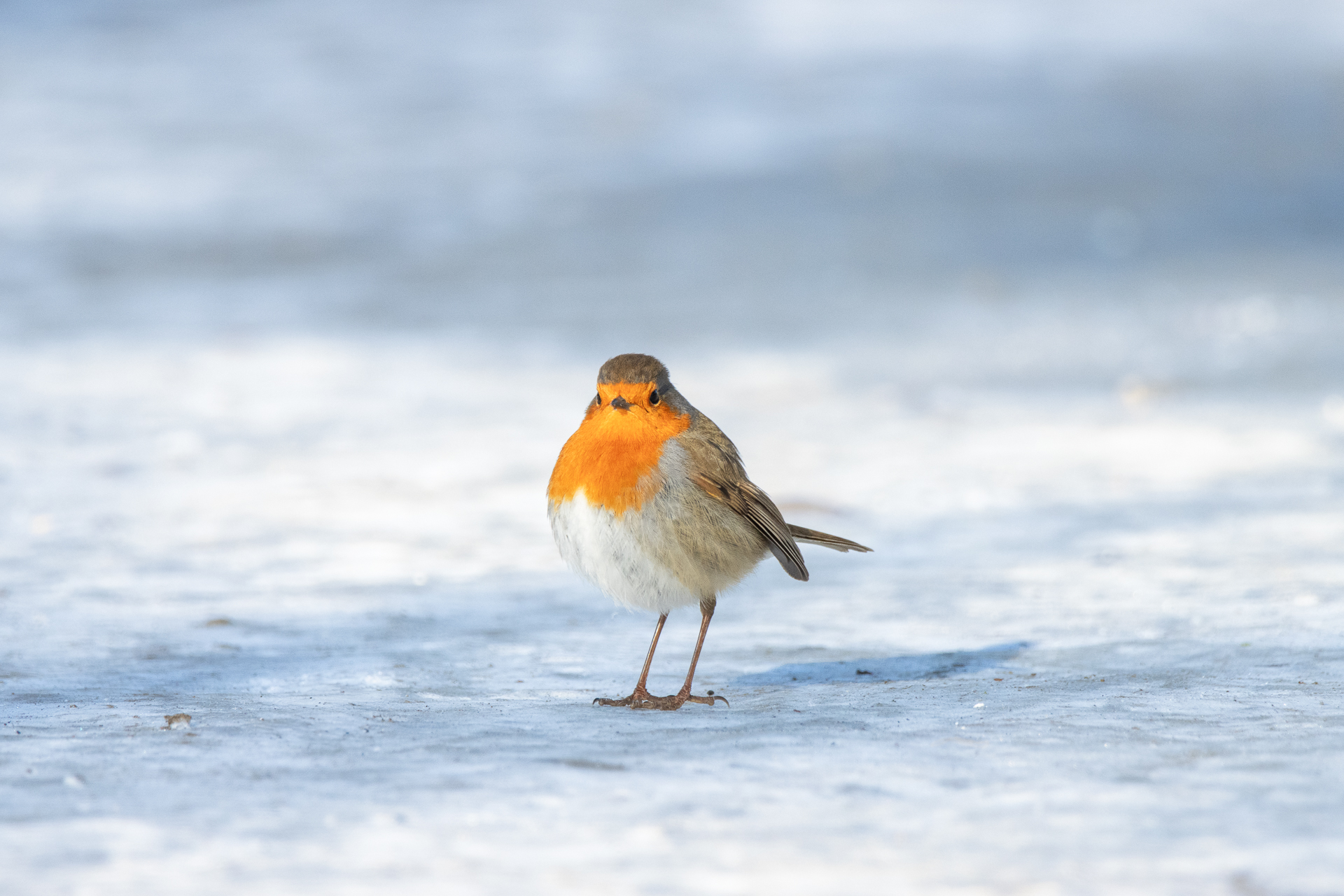
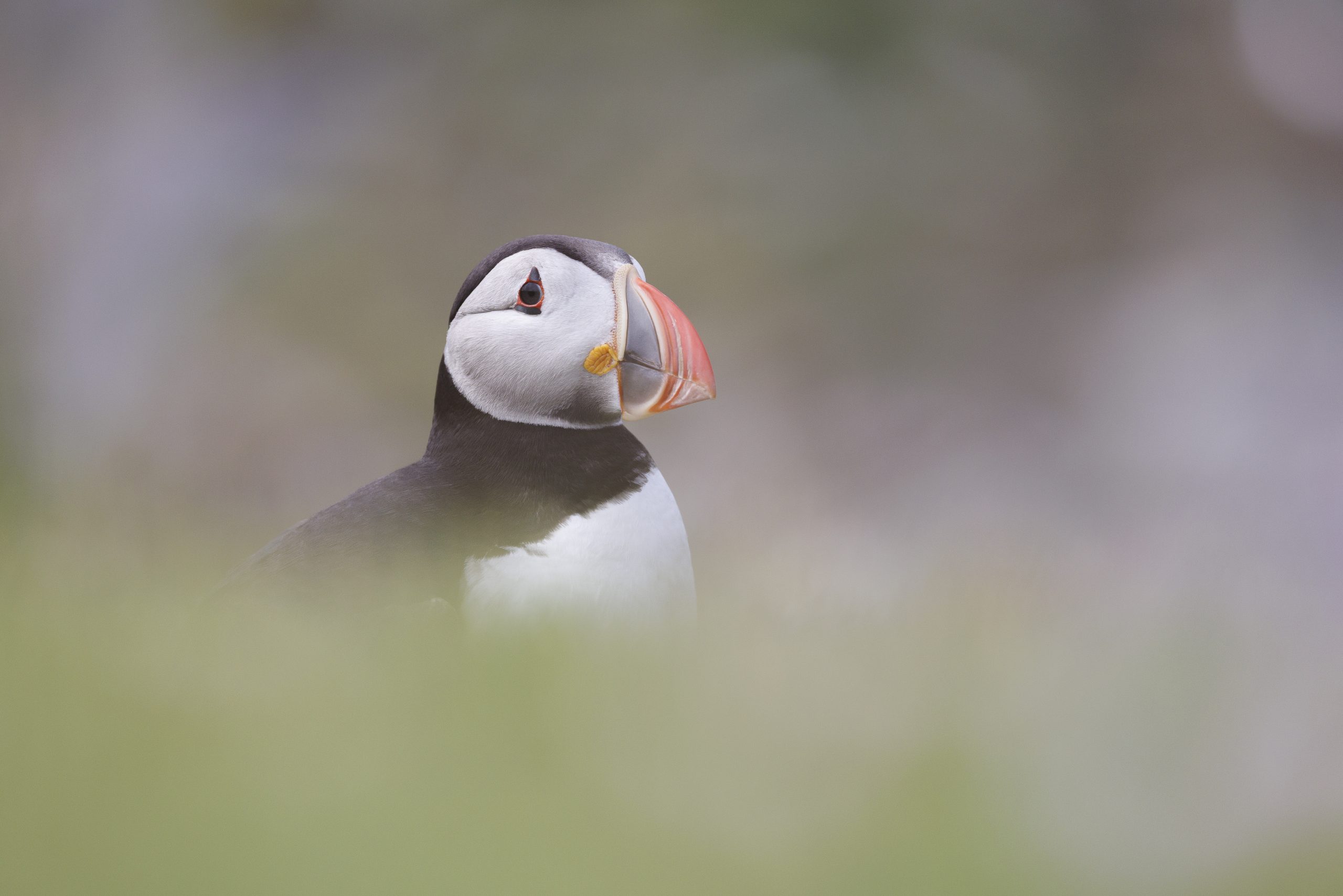
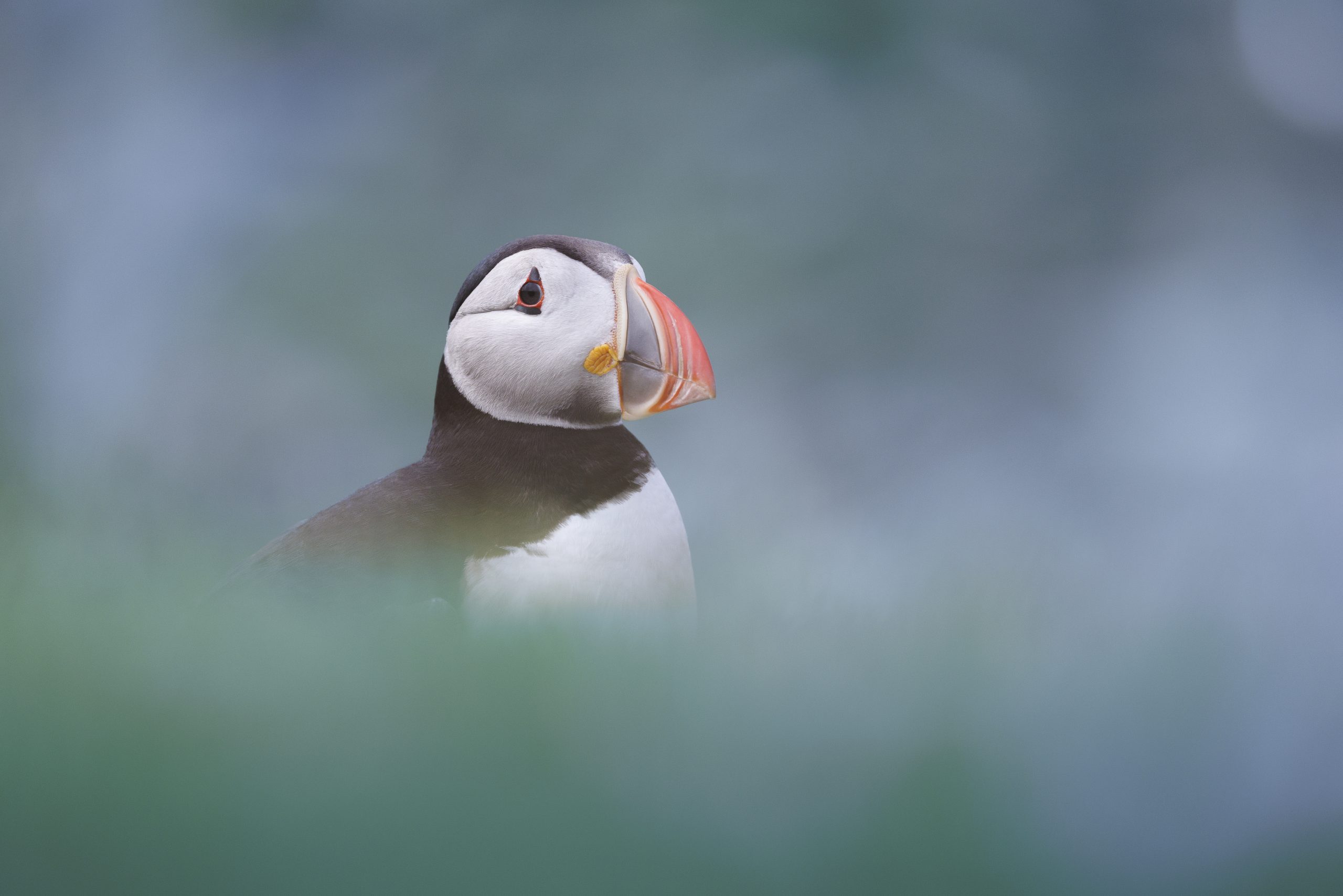
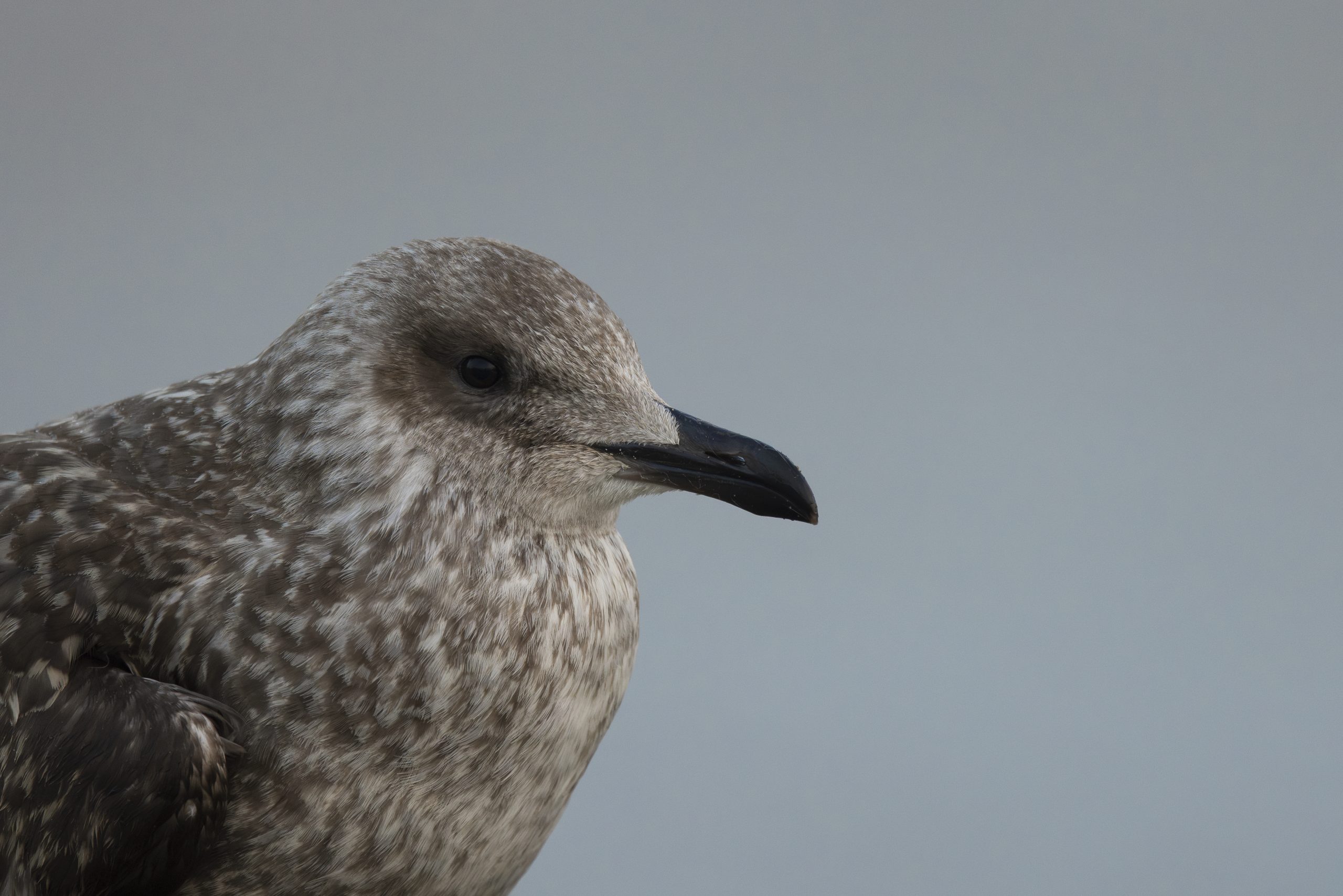
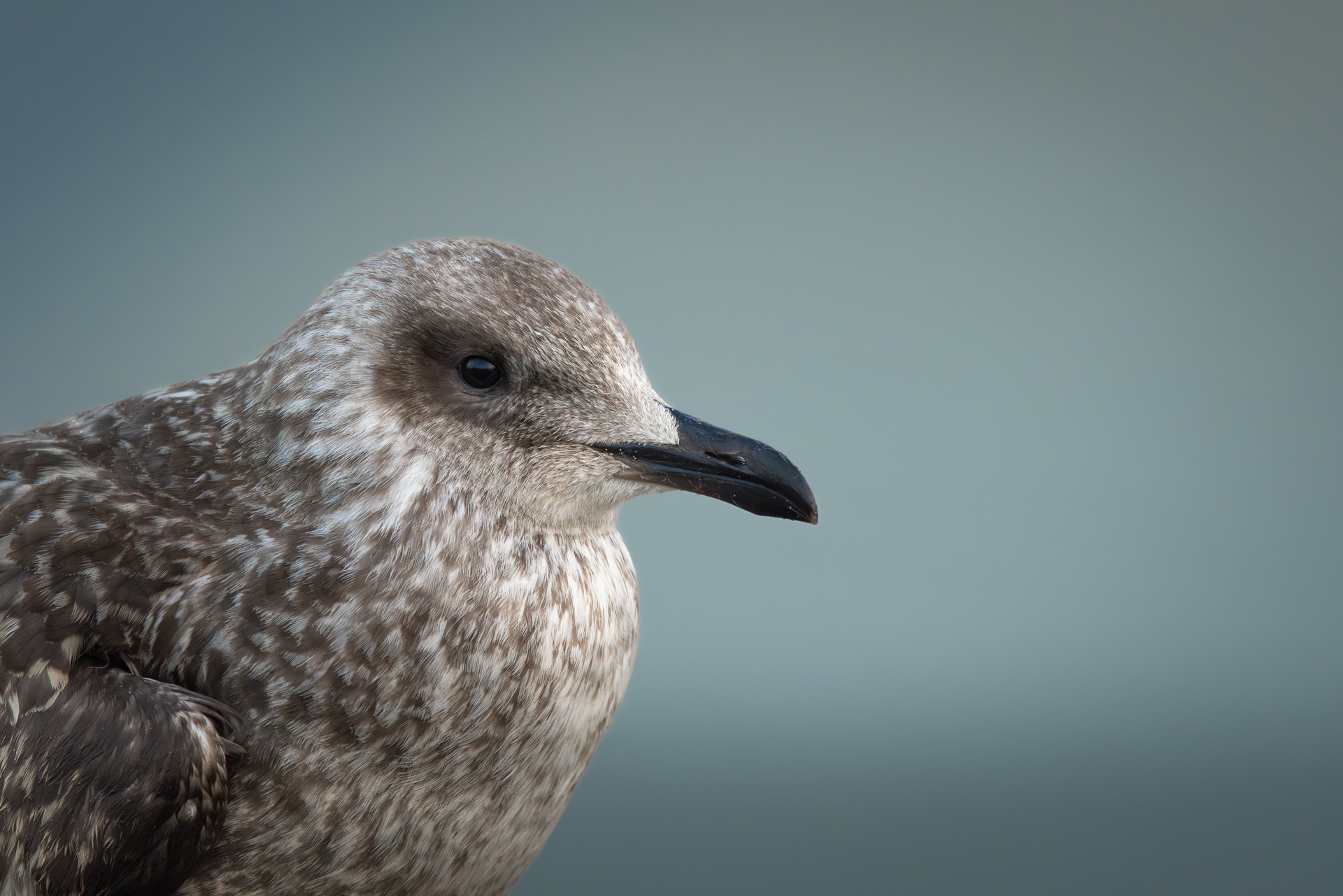
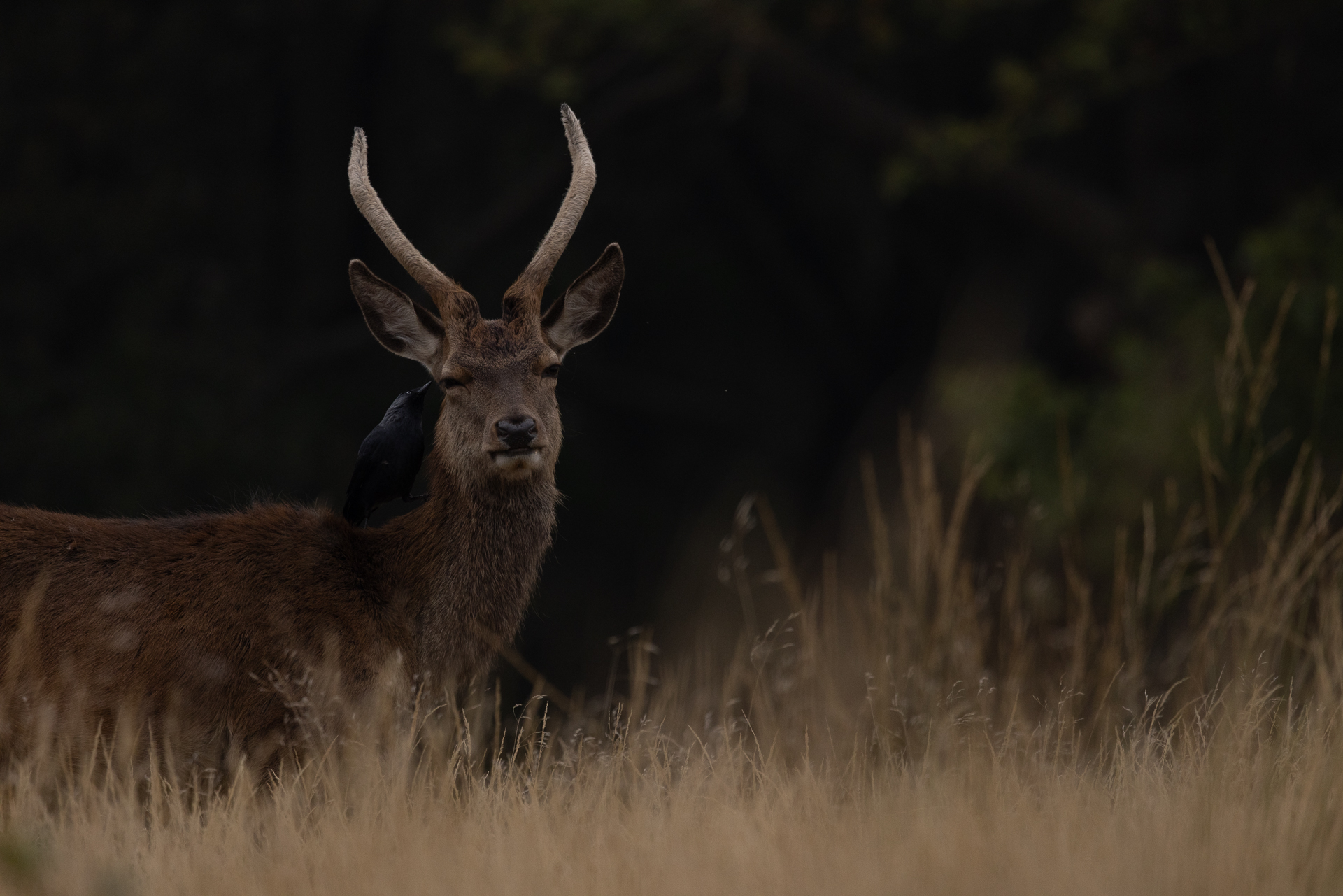
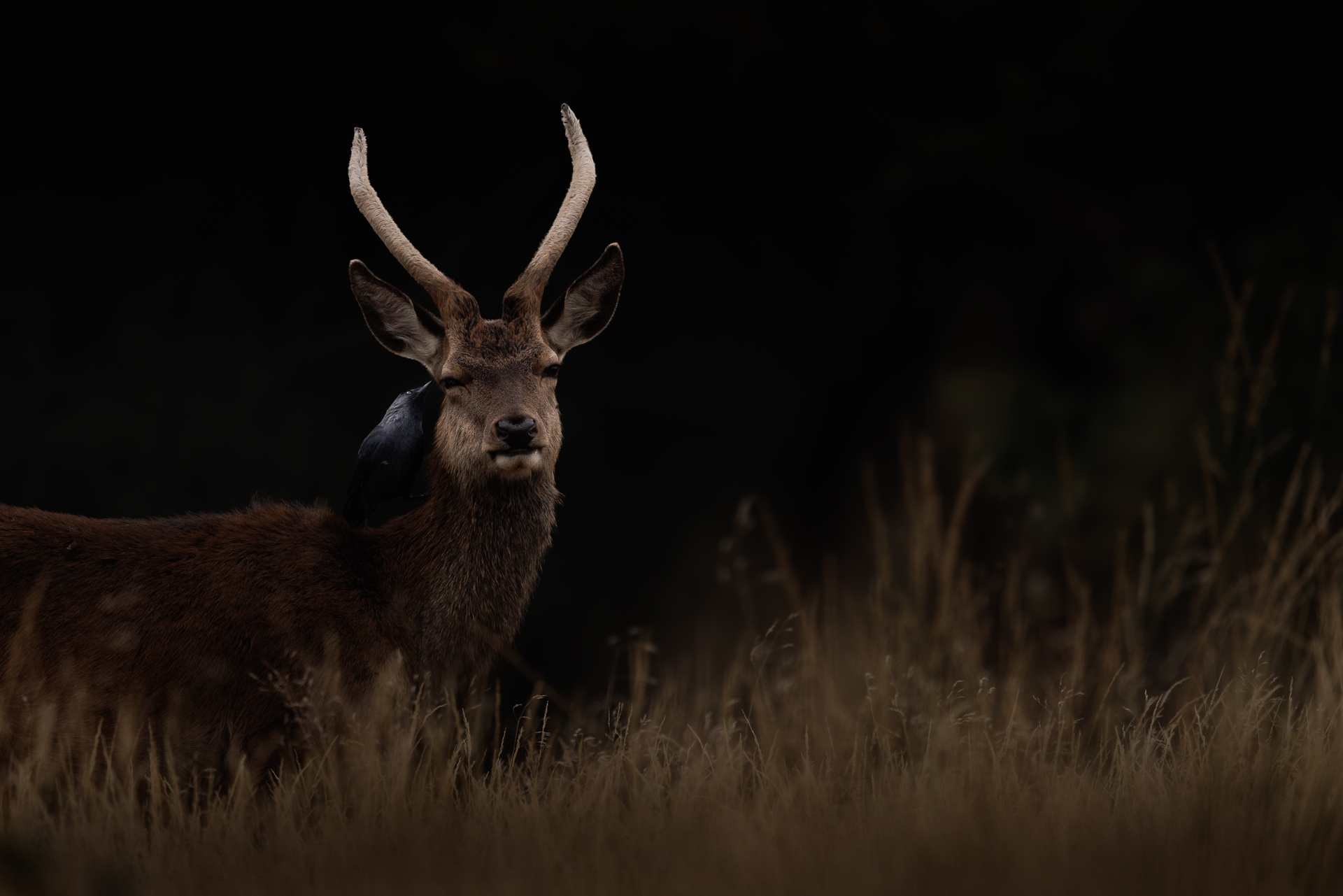
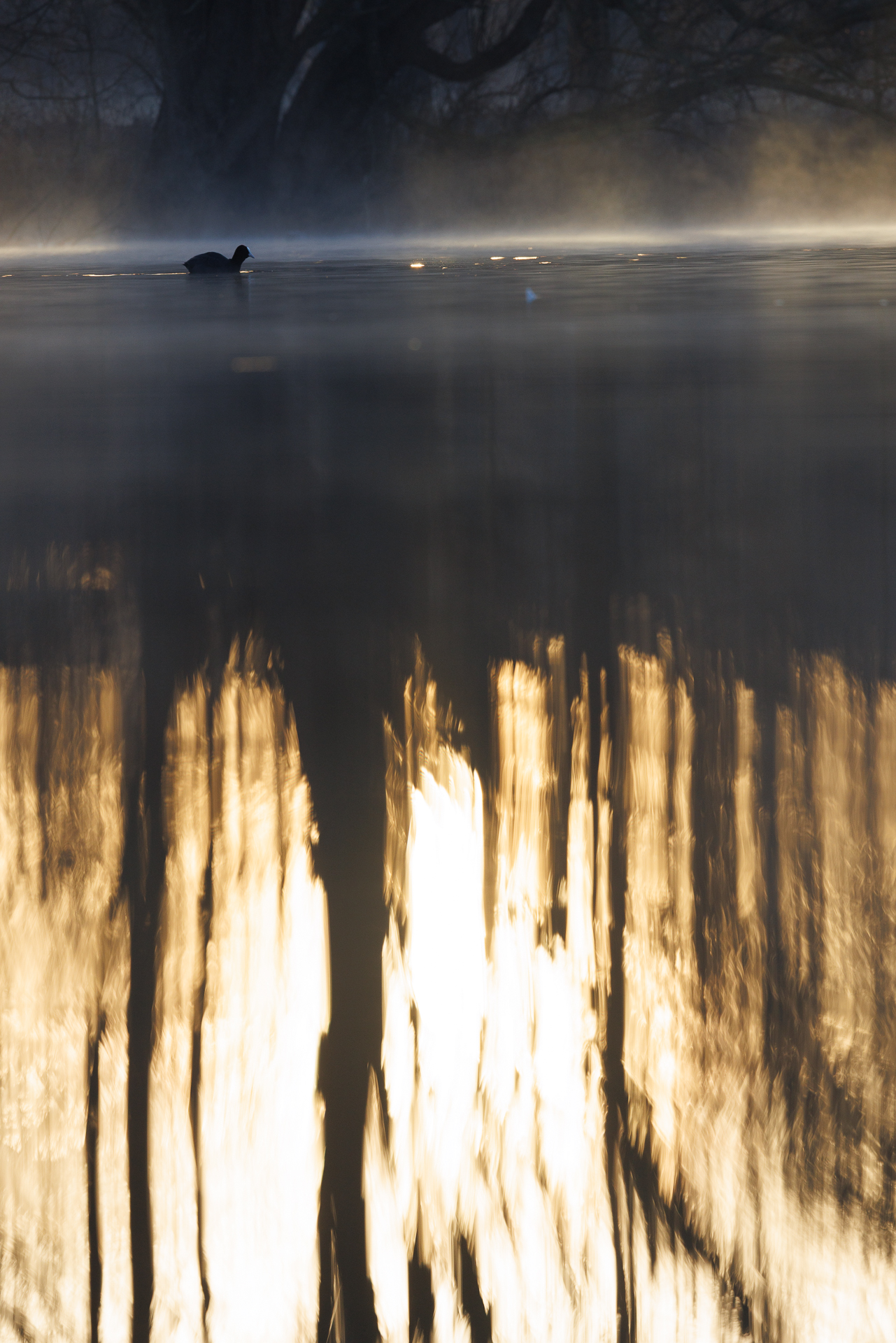
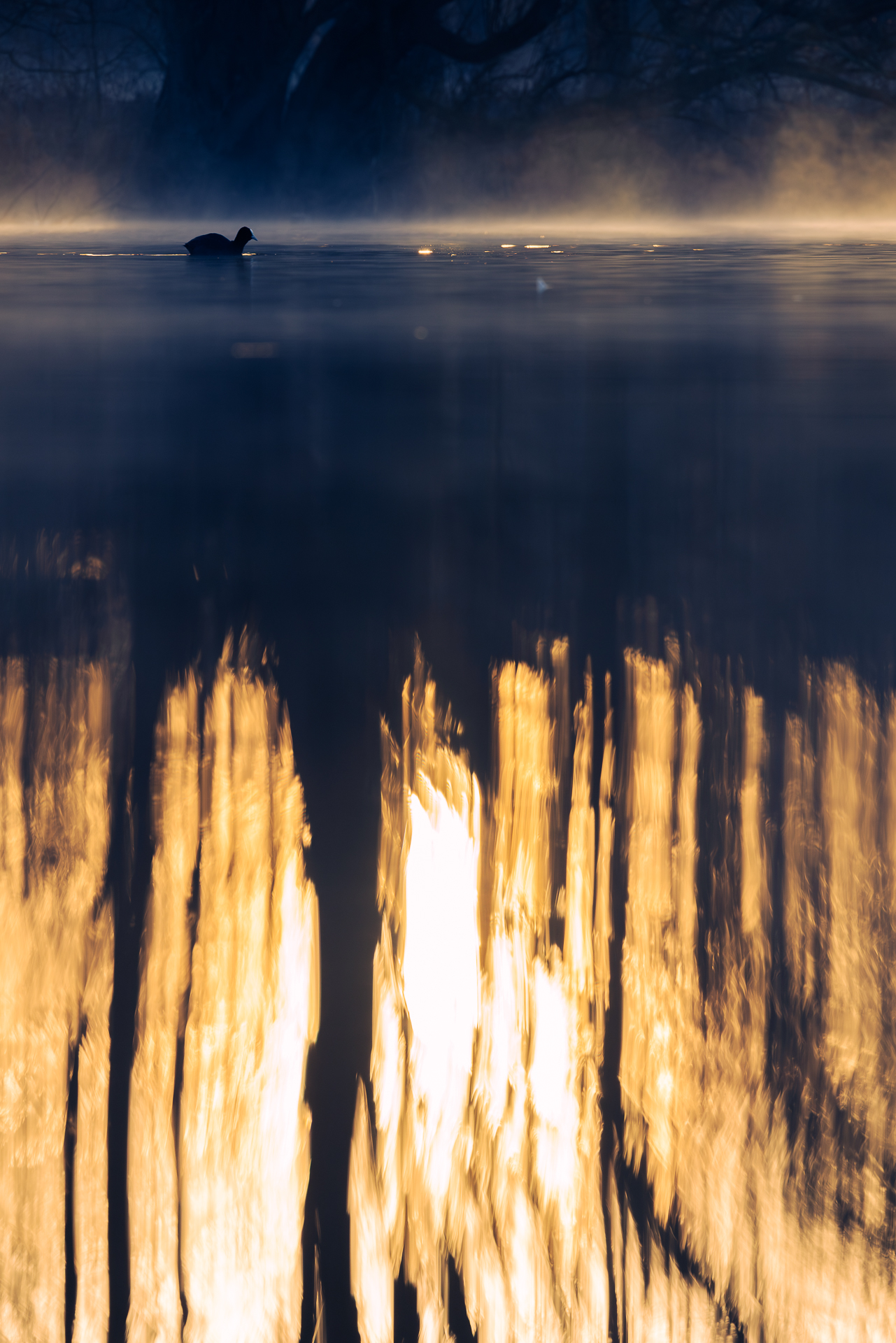
Unlock your unique editing style and master Lightroom Classic.

The Wildlife Editing Lab

Create impactful wildlife photos editing with intention – without  feeling stuck in the “documentary” look or wondering what each photo needs or if you over-edited. 

150+ Photo Examples

50 Lessons

Does this sound Like you?

😰 “I stare at my photos and don’t know where to start”

You waste time randomly moving sliders hoping something looks better.

“Editing takes me forever—I’m so slow!”

Hours per session. Thousands of unedited photos piling up. The guilt is real.

🤷 “I never know when my photo is ‘done'”

You keep tweaking and tweaking. Sometimes it’s too much, sometimes not enough.

🎨 “My photos are too documentary—I want them more artistic”

You want to move beyond simple record shots and create images with emotion and story.

📚 “I’ve watched dozens of YouTube tutorials but still feel lost”

Random tips don’t connect. You don’t have a system—just scattered techniques.

😟 “I lack confidence in my editing decisions”

Is this too much? Not enough? You’re guessing instead of editing with intention.

If you nodded along to any of these, you’re not alone. These are the exact struggles that wildlife photographers overcame in The Wildlife Editing Lab.

With the Wildlife Editing Lab course you will:

Create impactful, artistic wildlife photos

Master the balance between natural and artistic editing, without over-editing.

Develop a unique editing style

Move from documentary shots to produce impactful wildlife photos.

Edit Faster and More Efficiently

Spend less time editing and more time in the field, knowing exactly what each photo needs. 

Master Lightroom Organization and Editing Tools

From photo organization, basic adjustments to advanced features.

Achieve High-Quality Results in Any Situation

Tackle gear limitations and challenging lighting.

Gain Confidence and Recognition

Produce work that attracts recognition and publications.

Your Wildlife Editing Journey

In the Wildlife Editing Lab, you’ll follow a structured, step-by-step workflow that transforms your RAW wildlife photos into  professional-quality images – all while developing your unique style.

1
Lay the Foundation
Understand what editing truly is and how to develop a style that enhances your vision.
2
Master the Essentials
Select and organize your photos efficiently, and never lose track of your best shots.
3
Perfect the Basics
Learn the core tools to adjust exposure, remove noise, sharpen details, and bring your images to life.
4
Take Full Control of Colors
Make your photos pop with precise color correction, white balance mastery, and creative adjustments.
5
Advanced Editing & Refinements
Use masking, removal, and fine-tuning techniques to create high-impact wildlife images.
6
Speed Up & Share
Streamline your workflow, batch edit like a pro, and export your images.

Who's for?

Beginner Wildlife Photographers

You’ve recently started with wildlife photography but have limited or no experience in photo editing. You’re feeling overwhelmed by software and need simple, easy-to-follow guidance to start editing.

Intermediate Wildlife Photographers

You’re comfortable with photography techniques but struggle to create a consistent, personal editing style. You’re eager to advance your skills and take your wildlife images to the next level.

Wildlife Photographers Who Feel Stuck

You’ve been shooting for a while and you’re improving in the field – but your editing doesn’t match your vision. You know what you want your photos to look like. You just don’t know how to get there.

Look at my students' results:

From Struggling to Bring Her Vision to Life

To Confident, Artistic Editing and Recognised Work

Lisa

@lisajuth

Developing your eye is just as important in editing as it is in shooting. While the process of shooting wildlife was exciting, my images were just barely passable. Before, I had a vision but couldn’t bring it to life. Now, I have a deep understanding of color, composition, and how to enhance an image artistically. Chiara completely demystified Lightroom for me. Editing used to feel complicated – now it’s a creative tool I actually enjoy using.

The biggest shift? Confidence. I’ve gone from just trying to get a decent wildlife photo to telling a real story with my images. As a result, I’ve had some of my photos used by The Nature Conservancy on their website and holiday card, as well as featured on several Instagram accounts.

Leonardo

@_easilydistractedbybirds

My approach is now much more intentional. I’ve refined my workflow, and I finally know what I want to achieve with my edits. I get compliments on my photos, and for the first time, I feel proud enough to print and hang them in my home.

👎 BEFORE: relied on Photoshop, which felt inefficient for wildlife photography. Lacked an editing routine and wasn’t sure what style suited him best. 

👍 AFTER:

✔ Switched to Lightroom for a faster, more efficient workflow
✔ Developed his own style and now edits with confidence
✔ Feels in control of the entire creative process—from shooting to editing

Look at his new results ⬇️

Pascal

@geol_p_

This is more than just an intro course – it’s a comprehensive and integrated course covering workflow and all tools. This is ALL you need, clearly explained with practical examples and exercises.

👎 BEFORE: struggled with having a clear vision for his edit, and lacked  a method.

👍 AFTER:

✔ His edits are much more natural & realistic 

✔ His editing is faster and more streamlined 

✔  Learnt how to use advanced masking to improve the  image

Look at his new results ⬇️

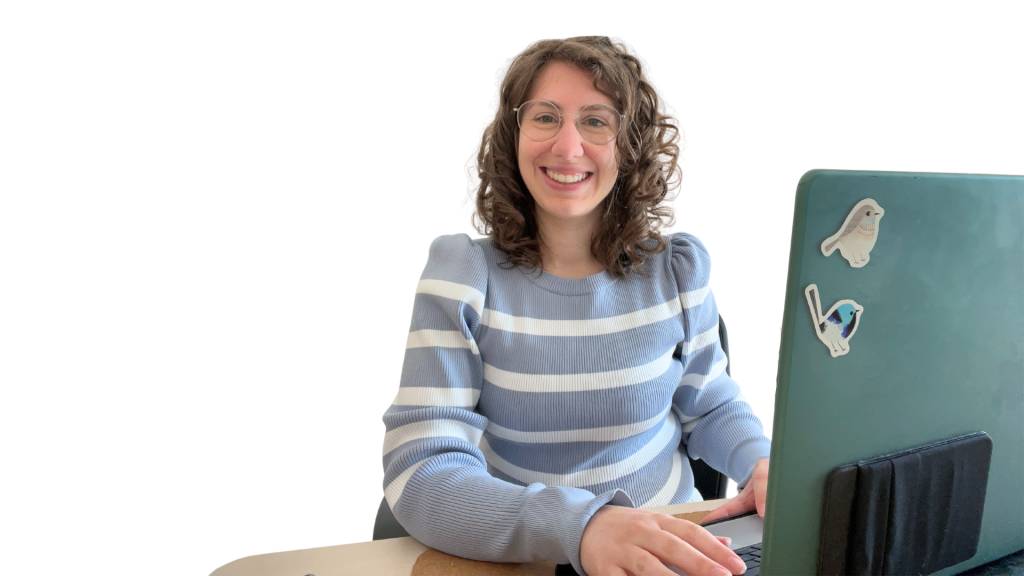
Who's Chiara

The course program

MODULE 1

Foundations of Editing

What’s included

5 video lessons 

1 workbook

What you’ll get

You will understand editing basics and begin defining your personal editing style.

1.1 Welcome & Course Overview

1.2 Understanding Editing: What It Is and Why It Matters

1.3 Natural vs. Creative Editing

1.4 Discover Your Unique Editing Style

1.5 RAW vs JPEG

MODULE 2

Organization 

What’s included

12 video lessons 

1 guide 

1 workbook

What you’ll get

You will be able to select and organize your photos efficiently and develop a streamlined workflow in Lightroom.

2.1 Getting Started with Lightroom

2.2 Building Your Complete Editing Workflow

2.3 Navigating the Lightroom Interface

2.4 Creating a catalog

2.5 Importing Your Images into Lightroom

2.6 Culling in Theory

2.7 Culling in Practice

2.8 Organizing Your Images: Star Rating 

2.9 Organizing Photos with Color labels

2.10 Organizing Photos with Keywords 

2.11 Organizing Photos with Collections 

2.12 Efficiently Searching Your Lightroom Catalog

MODULE 3

Editing Basics 

What’s included

12 video lessons 

1 step-by-step edit-with-me workshop 

1 guide

What you’ll get

You will confidently use Lightroom’s tools to correct exposure, noise and sharpen details in your photos to achieve a professional and balanced look.

3.1 Overview of the Develop Module

3.2 The Editing Framework: Step-by-Step Process

3.3 Evaluating Photos for Effective Edits

3.4 Mastering Crop and Composition

3.5 Understanding Camera Profiles for Better Edits

3.6 Lens Corrections & Fixing Chromatic Aberrations

3.7 Basic Adjustments: Exposure, Highlights, Shadows, and More

3.8 Basic Adjustments: Examples

3.9 How to Reduce Noise in Your Images

3.10 Denoise Examples

3.11 Enhancing Details: Clarity, Texture, and Sharpness

3.12 Working with the Tone Curve for Precision

3.13 Workshop: Editing Together

MODULE 4

Color Control & Creative Edits

What’s included

7 video lessons 

1 step-by-step edit-with-me workshop 

What you’ll get

You will be able to correct and manipulate colors to enhance the mood and impact of your wildlife photos.

4.1 Introduction to Color Adjustments

4.2 Mastering White Balance for Accurate Color

4.3 Vibrance & Saturation: Adjusting Color Intensity

4.4 Using the Color Mixer for Creative Control

4.5 Advanced Color Grading Techniques

4.6 Manipulating RGB Tone Curves for Creative Effects

4.7 Calibrating Your Images for Color Accuracy

4.8 Workshop: Editing Together

MODULE 5

Advanced Editing Techniques

What’s included

9 video lessons 

1 step-by-step edit-with-me workshop 

What you’ll get

You will master masking and removal and apply fine adjustments that can transform your photos.

5.1 Exploring Removal Tools for Precision Editing

5.2 Introduction to Masking in Lightroom

5.3 Using Linear and Radial Gradients for Focused Edits

5.4 Masking Subjects

5.5 Masking Sky

5.6 Masking Backgrounds 

5.7 Masking Objects and with Brushes

5.8 Masking Ranges

5.9 Applying Lens Blur for Soft Focus Effects

5.10 Workshop: Editing Together

MODULE 6

Streamlining Your Workflow & Exporting

What’s included

4 video lessons 

4 step-by-step edit-with-me workshop 

What you’ll get

You will be able to speed up your workflow and export your images with professional quality.

6.1 Final Touches 

6.2  Batch Editing: Using Presets and More

6.3 Exporting Your Images for Different Purposes

6.4 Workshop: Editing Together 1

6.5 Workshop: Editing Together 2

6.6 Workshop: Editing Together 3

6.7 Workshop: Editing Together 4


6.8 Final Words & Next Steps

And you'll also get some Exclusive Bonuses! 🎁

Ask questions

Get your questions answered by Chiara directly under each video lesson. So you can understand each technique and can apply it to your own photos.

RAW files

Download RAW files and follow along step-by-stey the course tutorials so you can practice the exact techniques on the same photos. 

Bonus Lessons

Deep dives into topics beyond the core course – extra techniques, tools, and real editing examples to expand your skills.

Photo Archive Template

A Google Sheet providing a professional organization system that helps you log your shooting sessions and backup status.

Lightroom shortcuts Cheat-sheet

A beautifully designed, printable PDF organized by editing phase to keep right next to you.

5-minute Editing Checklist

A step-by-step checklist covering the entire editing workflow from start to finish. Ensure you never miss a critical adjustment

Editing Challenge

Receive 1 email every day for a week to get editing prompts designed to reinforce what you’ve learned and push yourself to apply techniques in creative ways.

Editing wildlife photos will never be the same.

Choose your package

349

Editing Lab

  • 6 course modules (50+ lessons) + lifetime access + updates
  • RAW files
  • Ask questions under the lessons
  • Lightroom Shortcuts Cheat sheet
  • Photo Archive Template
  • 5-Minute Edit Checklist
  • Editing Challenge via email
  • Bonus Lessons

It's not 'just' editing. It's confidence.

From photographers who were exactly where you are now

Thanks to the Editing Lab, I now edit with purpose, I stopped over-editing, and I finally know what I'm doing. The course is rich with content, and the 1:1 and group review sessions were invaluable. Chiara has a way of teaching that brings complex topics to life. It is a rare talent to be an expert but also be able to teach others and genuinely increase their capabilities. Her passion is inspiring - it accelerated my learning and boosted my confidence in a way that has stayed with me. She didn't just make me a better wildlife photographer. She made me a better photographer.
Robert W.
MASTER
If you want to get more confident in taking wildlife photos and then editing to make them pop, this is the course for you. The Editing Lab is easy to follow. Chiara breaks everything down in easy-to-understand chunks - and you always feel supported. I obtained so many Lightroom skills I didn't have before. I now enjoy the culling process, feel confident in my style, and my editing is quicker and more enjoyable. I took something away from every single module.
Becky T.
Accelerator

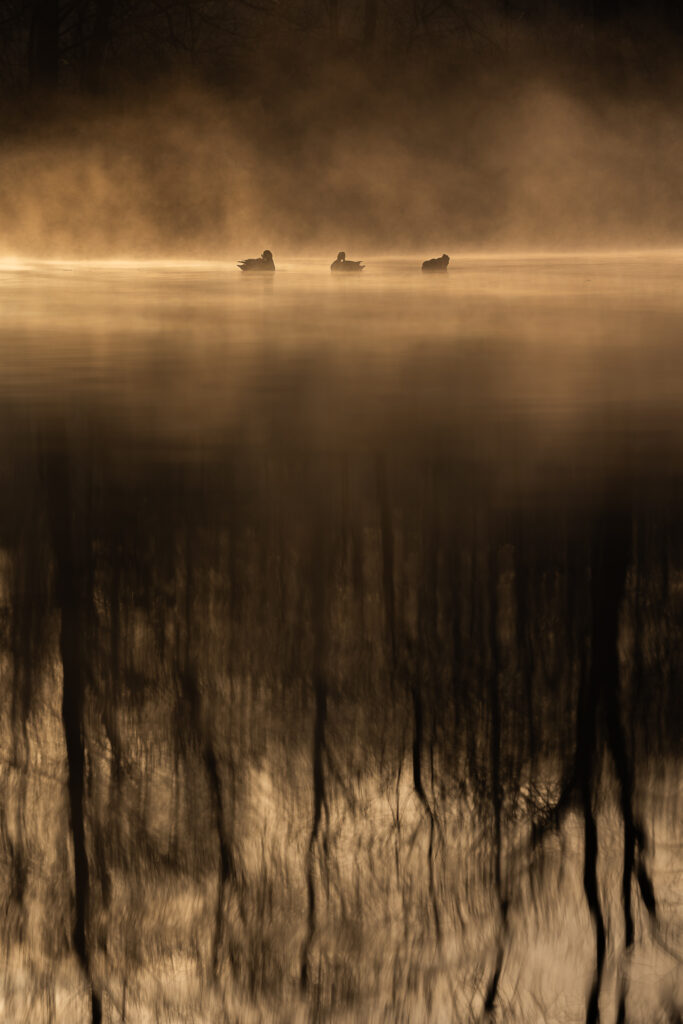
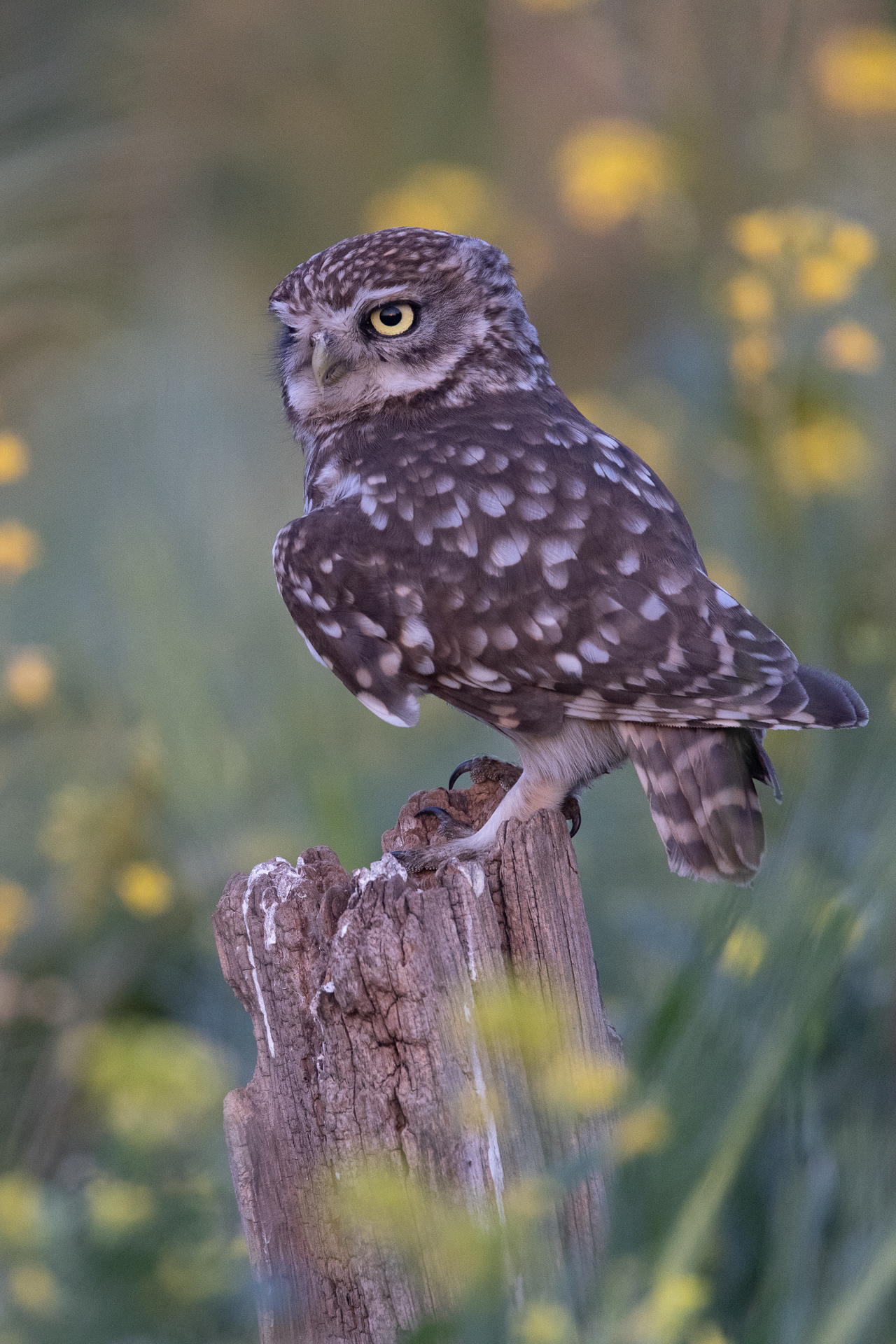
Want to Edit Like this?

from subtle Enhancements to creative edits

“But I don’t have time for this…”

Let’s be clear: Editing is not optional.


If you’re serious about wildlife photography, editing is part of the craft – just like fieldwork and camera settings. The question isn’t whether you’ll edit. It’s whether you’ll edit efficiently or keep struggling.

Right Now, One of Two Things Is Happening:

1. You’re editing – but  you’re not satisfied with your results: stuck on each photo, unsure what to do, frustrated with results
2. You’re avoiding it – thousands of unedited photos piling up, because without a system, it feels overwhelming. Leaving so much potential on the table.

Either way, you’re wasting time and momentum.

What Changes With A System:

You’ll still edit (that’s core part of being a photographer). But instead of being slow and frustrated, you become fast, confident and will even start enjoying it. Same task. Less time. Better results.

See What Other Photographers Are Saying

Reviews refer to previous wildlife photography online courses and masterclasses.

Alma K.

I took few Online Classes from different Photographers but no one did get me so inspired about not giving up as beginner as Chiara did. She is a professional but most importantly a kind, good teacher that brings out Material easy to understand!

Anita U.

This Masterclass has to be the most thorough explanation of composition for photographing wildlife and how colours, where you place the subject, cropping, lighting, and more, affects the mood and story of the photo.

Simon D.

Chiara is a thoughtful and inspiring teacher, she makes you feel that you CAN go out and take better photos no matter what your experience level.

Marie G.

This masterclass was brillantly taught and Chiara made it really easy and fun for us to understand the main rules of composition, as well as how to think more about it both before we press the shutter button and after we’ve taken the picture, in post production. The 2 hours didn’t feel long at all and I’m excited for more masterclasses from Chiara. There are many people out there who sell masterclasses for a lot of money and end up not saying much in them, but Chiara packed this one with so much knowledge, I actually felt more confident and I was able to apply her tips from day 1.

Maire D.

Chiara is an excellent teacher with a superb command of her subject. The masterclass was well prepared and packed with information presented in a logical and easy to understand manner.

Catherine L.

This masterclass was packed with practical information, explained in non technical language with clear examples and advice. The best photography course I have taken! Chiara had so much energy and enthusiasm for the topic. Such a joy to watch. I learned a lot.

Brenda H.

Chiara’s course teaches you to look at your photography and photographs with a professional eye. You will come away from this course with great ideas on how to improve your wildlife photography..
 

Alton M.

Your course helped move me from snapshots towards pro shots!

Giorgia G.

Chiara’s videos have a way of getting to you in a way that makes you more aware of what you do and why. You put effort in your work, follow her guidelines and advice, and one day you realise that you know why you’re taking a photo in that particular way. You know what you’re doing, but you also know why you’re not doing something else, which might sound elementary, but in fact is very difficult and essential. It’s not easy to teach awareness, but Chiara is very good at that.

Matt H.

Chiara’s course was extremely helpful for a beginner like me. Everything was explained clearly with plenty of examples to follow and I am very happy with her willingness to answer questions and interact with students. After finishing the course, I feel like I am approaching my photography in a whole new way!
 

Ready to Transform Your Wildlife Photos
From Ordinary to Extraordinary?

Unlock your full potential and start creating stunning, impactful images today. Join The Wildlife Editing Lab and take the first step towards mastering Lightroom, developing your unique style, and capturing the beauty of wildlife like never before.

Frequently Asked Questions

Still have some doubts?

I don't have much time for the course. How can I manage?

This is exactly why the course is self-paced with lifetime access! There are NO deadlines or pressure. The lessons are broken into 10-20 minute chunks, so you can learn during lunch breaks, evenings, or whenever you have time. Plus, once you learn the workflow, you’ll actually SAVE hours every week on editing—so the course pays for itself in time saved. You can’t “fall behind” because there’s no schedule. Pause when life gets busy, resume when you’re ready. Most students spread it over 2-3 months to fit their schedule. 

What's a Course? How does it work?

This is a self-paced online video course with 50 recorded lessons. Once you enroll, you get lifetime access, meaning you can watch the lessons anytime, as many times as you want. You’ll follow a structured learning path, with clear step-by-step instructions and practical demonstrations to help you master Lightroom editing at your own pace.

I’m a complete beginner in editing. Is this course right for me?

Yes! The Wildlife Editing Lab is designed to take you from the basics of Lightroom to advanced techniques step by step. Even if you’ve never used editing software before, you’ll gain the confidence to edit like a pro.

How can I pay?

You will be re-directed to a paying platform via which you can use your card (Stripe and Paypal). You can also choose to pay in 3 installments.  If you wish to pay in another way please contact me at  chiarataliaphoto@gmail.com. 

I already use Lightroom Classic—will I still benefit from this course?

Absolutely! If you’re an intermediate photographer looking to refine your style, speed up your workflow, or master advanced tools like masking, color grading, and detail enhancement, this course will take your editing to the next level.

Will I learn how to create my own editing style?

Yes! This course is designed to help you move beyond documentary shots and develop a unique editing style that fits your vision, making your wildlife photos truly stand out. I will share multiple editing options and scenarios so you can understand which vision suits you better. 


How is this course different from free Lightroom tutorials online?

The short answer: Structure, wildlife-specific techniques, and proven results.

Here’s what makes this different:

🎯 Wildlife-Specific System
Free tutorials are generic. This course tackles the exact challenges wildlife photographers face.

📚 Complete Roadmap (Not Random Tips)
YouTube videos are scattered—you piece together bits from 20 different photographers with conflicting advice. This course gives you one clear, step-by-step system that builds progressively. You always know what to learn next.

🧠 Understanding WHY, Not Just HOW
I don’t just show you which buttons to click. You’ll understand the rationale behind every editing decision, so you can apply techniques to ANY photo and develop your own creative vision—not just copy my style.

🎨 Creativity & Style Development Included
Free tutorials teach technical skills but never help you develop YOUR unique editing signature. This course helps you discovering and building your personal style systematically.

💬 Support & Feedback
With free tutorials, you’re on your own wondering if you’re doing it right. Here, you can ask questions under lessons and if you join the Accelerator or Master program you get also access to an exclusive community, live sessions and get direct feedback on your photos.

📈 Proven Results
This isn’t experimental—you can read testimonials of wildlife photographers who have already transformed their editing using this exact system. You’re following a tested path, not hoping random videos will eventually click.

Bottom line: Free tutorials might teach you a few tricks. This course gives you a complete editing foundation you’ll use for years.
I use Lightroom. Can I still follow this course?

Yes! Although the demonstrations are based on Lightroom Classic, the core functionality of the softwares are exactly the same. There are some minor differences in the organizational tools, but except for those, you’ll be able to apply 95% of what’s taught in this course within Lightroom. 

What if I don’t have the same camera equipment as you?

No worries! In the course you will find examples of photos taken with gear of different levels (from entry-level to professional combination). While I may be using specific gear, the techniques in this course apply to any camera. The focus is on post-processing and Lightroom tools, so you’ll be able to achieve amazing results regardless of your equipment. You’ll also get access to RAW files from different cameras to practice with.


I have some questions. Can I contact someone?
Of course, please send an email to  chiarataliaphoto@gmail.com and I will be happy to answer.